Managing Files
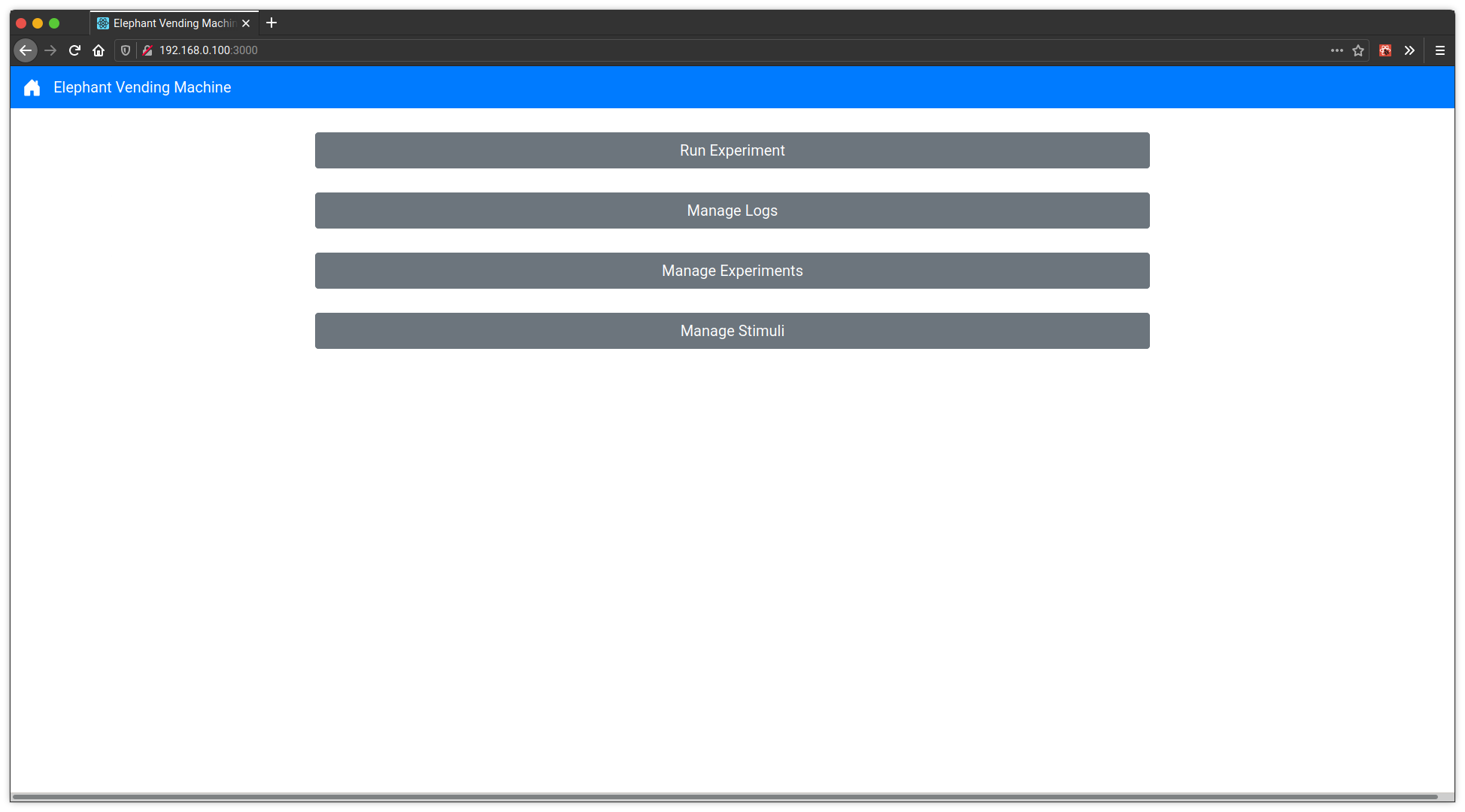
This is the home page of the Elephant Vending Machine. This is the page you will see when you first connect. From here you can select various pages for managing log, experiment, and stimuli files as well as for starting experiment files.
Managing Logs
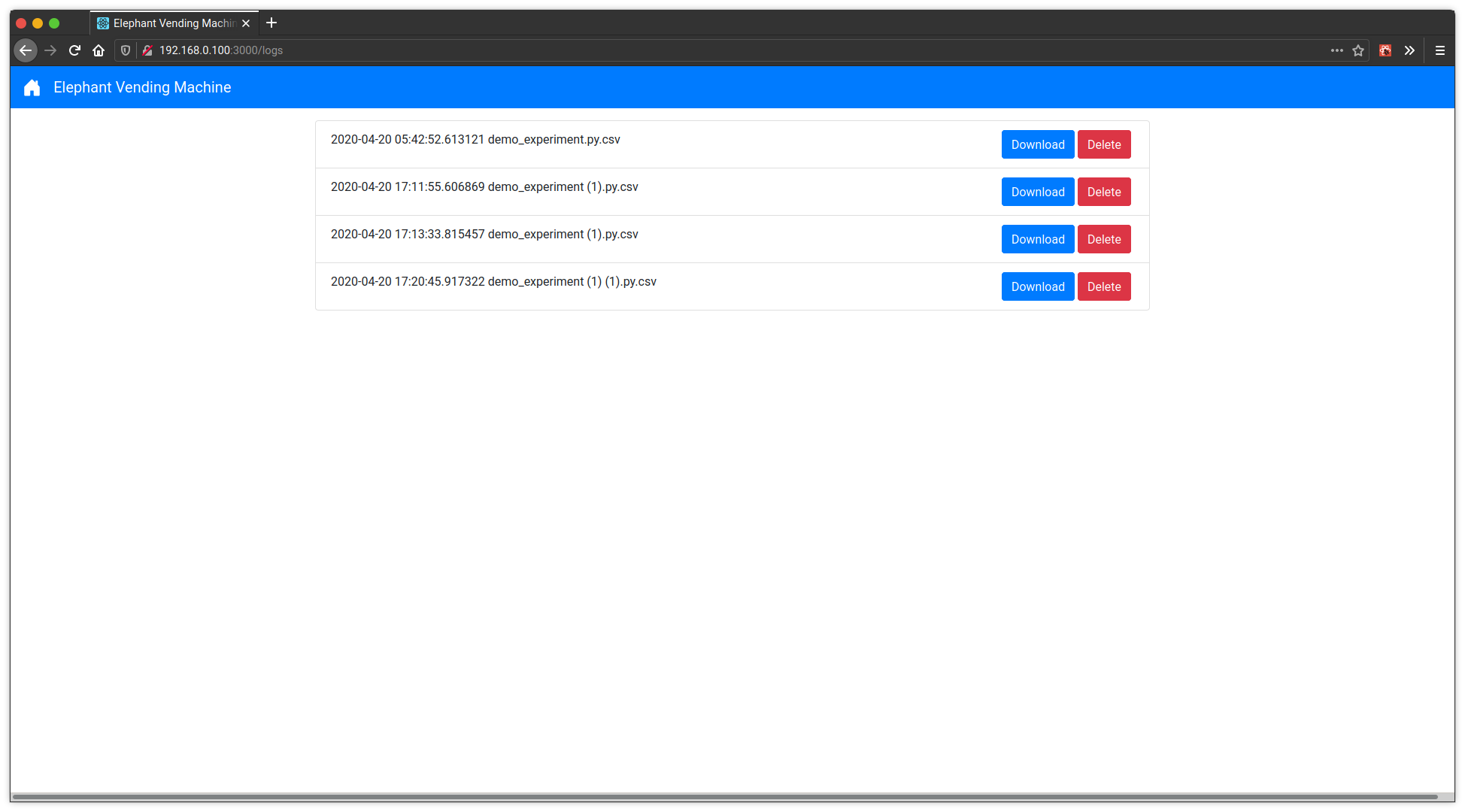
From the home page, select “Manage Logs” and you will see the following log file management page.
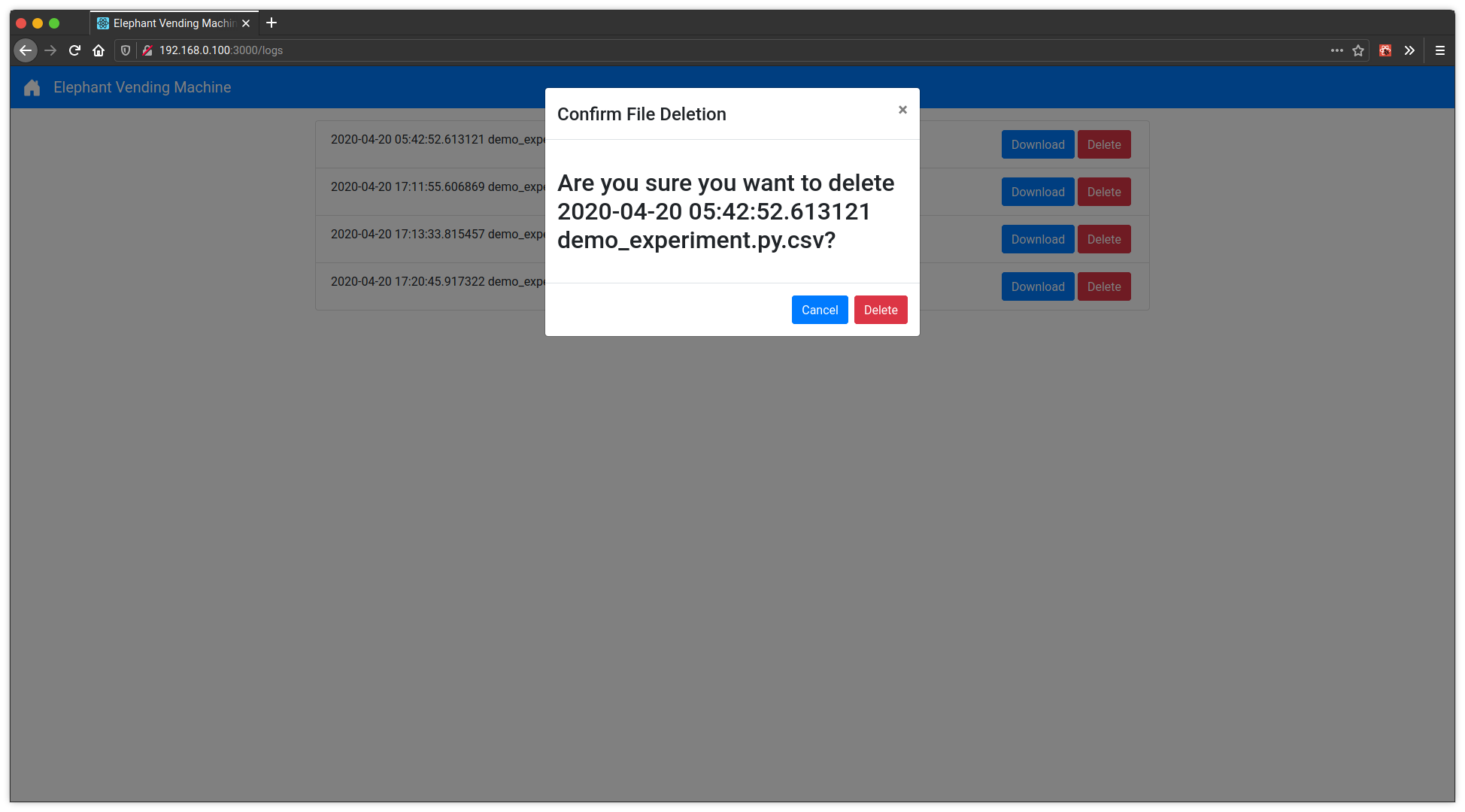
On this log management page, you can select the “View” button for any of the log files to download that file. You can also select “Delete” and then confirm in the popup by selecting “Delete” again to delete a log file.
Managing Experiments
From the home page, select “Manage Experiments” and you will see the following experiment file management page.
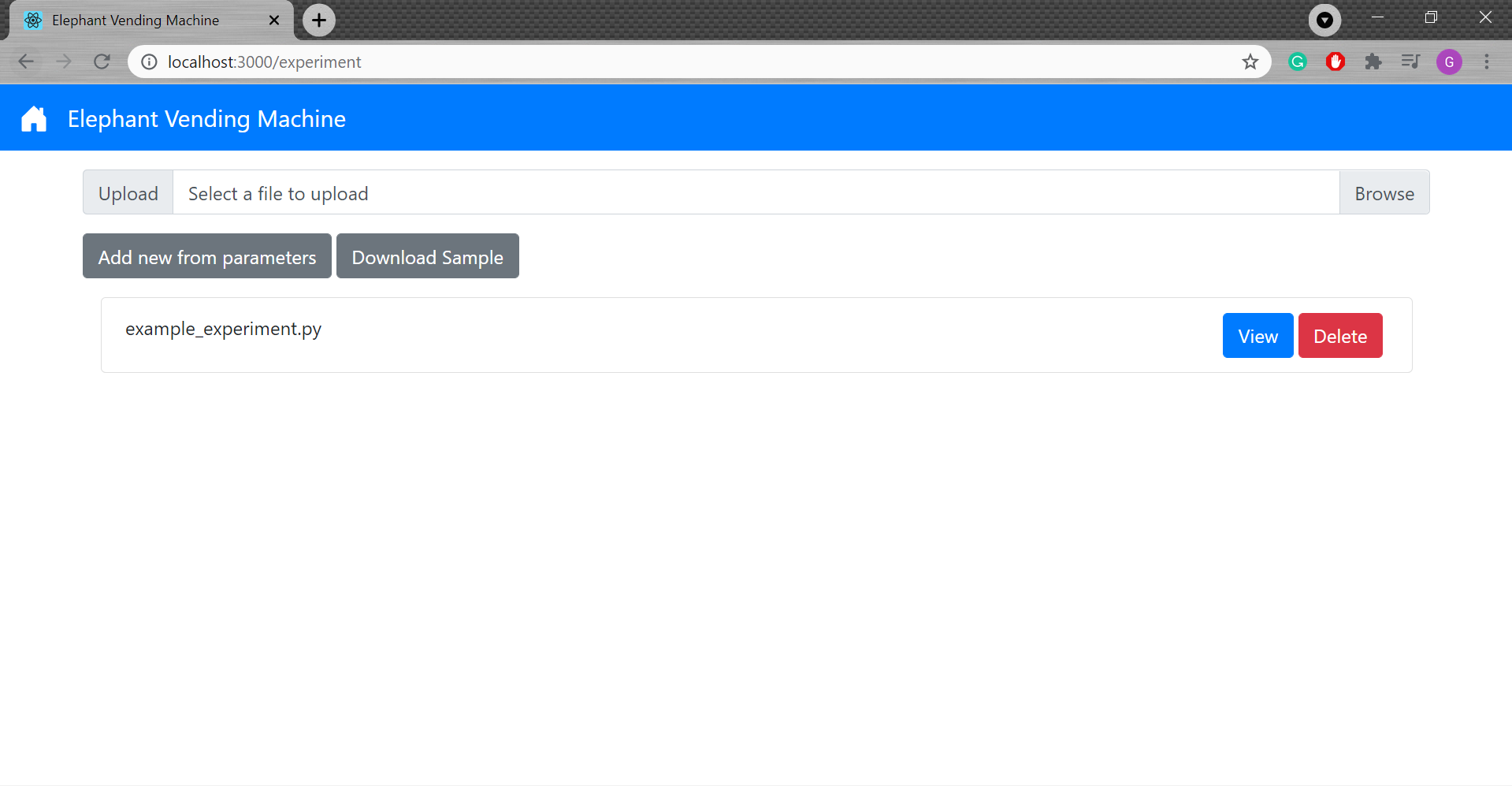
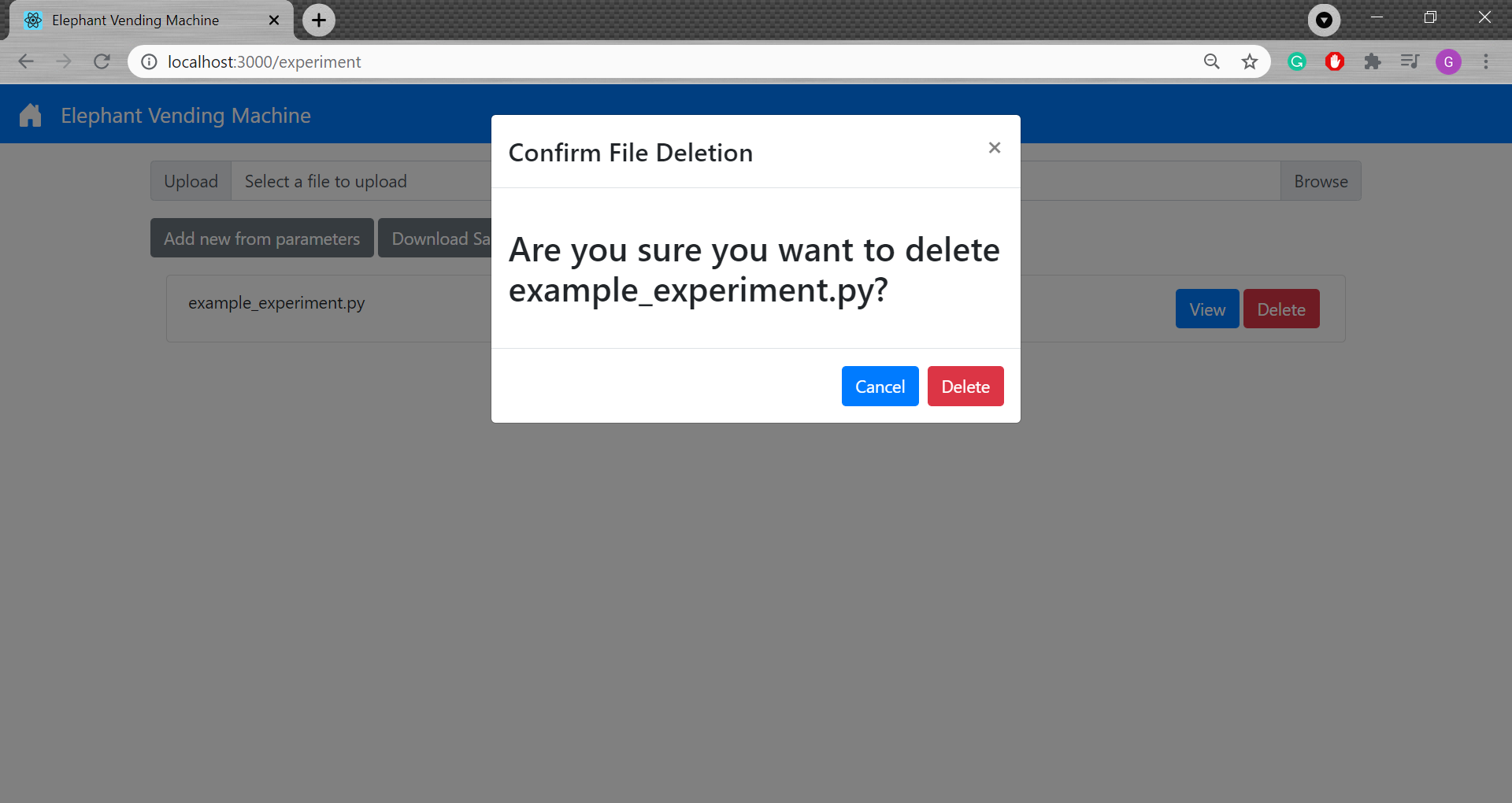
On this experiment management page, you can select the “View” button for any of the experiment files to download that file. You can also select “Delete” and then confirm in the popup by selecting “Delete” again to delete an experiment file.
In order to create a new experiment, you can either use the form to generate a standard experiment or upload a python file. An example python file is linked at the top of the “Manage Experiments” page.
Managing Stimuli Groups
From the home page, select “Manage Stimuli” and you will see the following stimuli file management page.
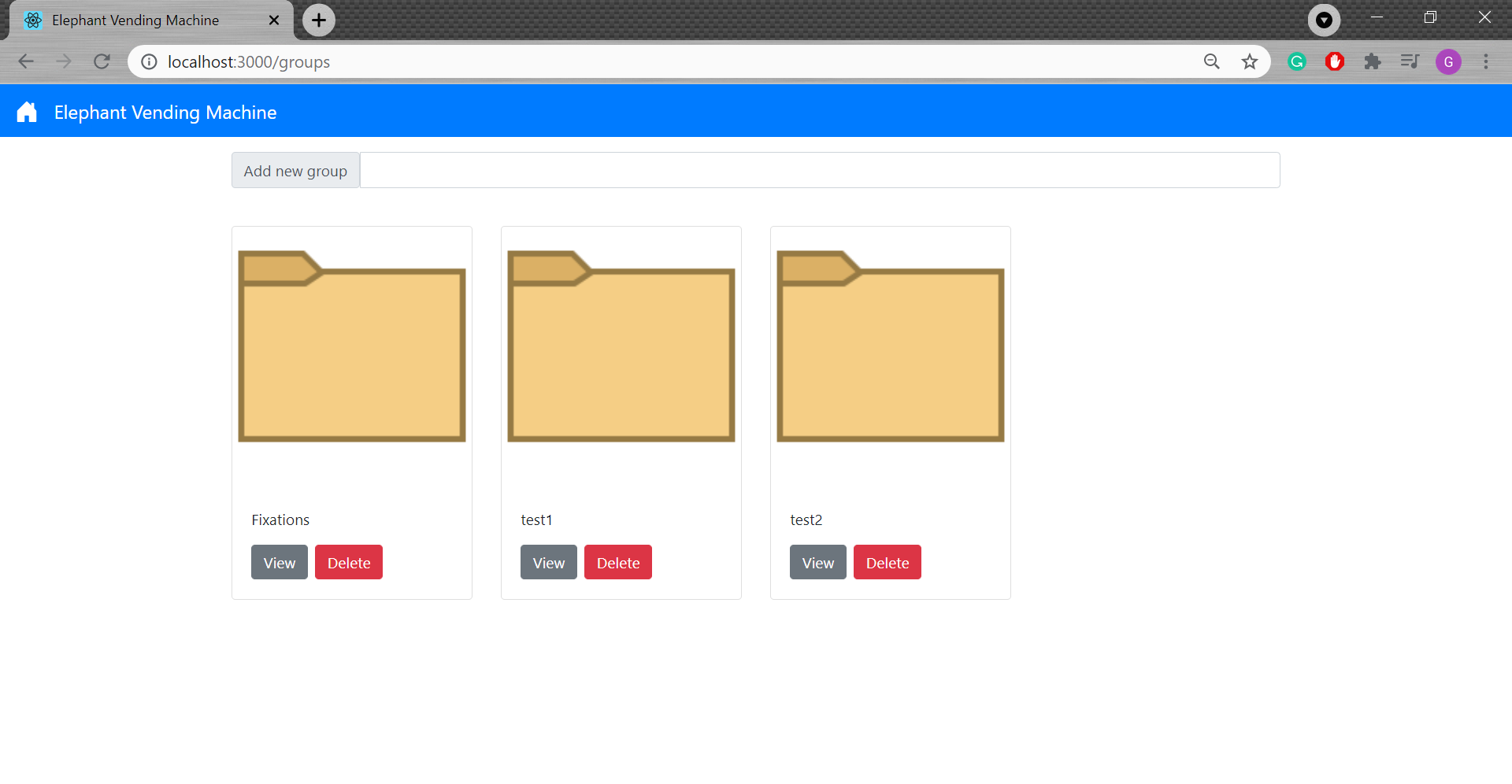
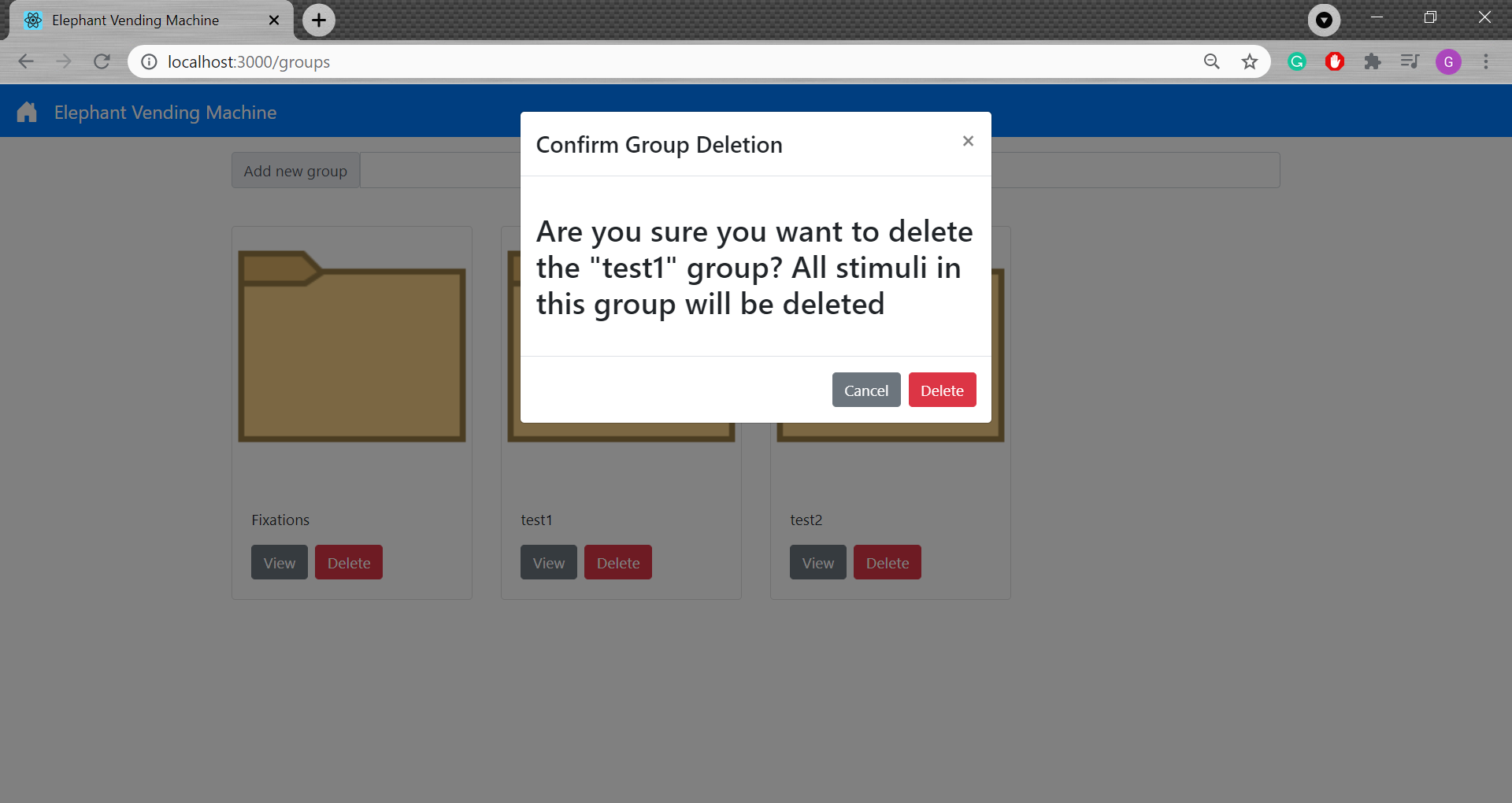
On this stimuli management page, you can select the “View” button to open any stimuli folder. You can also select “Delete” and then confirm in the popup by selecting “Delete” again to delete a stimuli group folder. However, you cannot deleted the “Fixations” folder. In order to add a new group, a unique name can be entered at the top of this page to create a blank folder.
Managing Stimuli
After choosing the “View” button on a stimuli group folder, you will be navigated to a page containing all the stimuli images in that group.
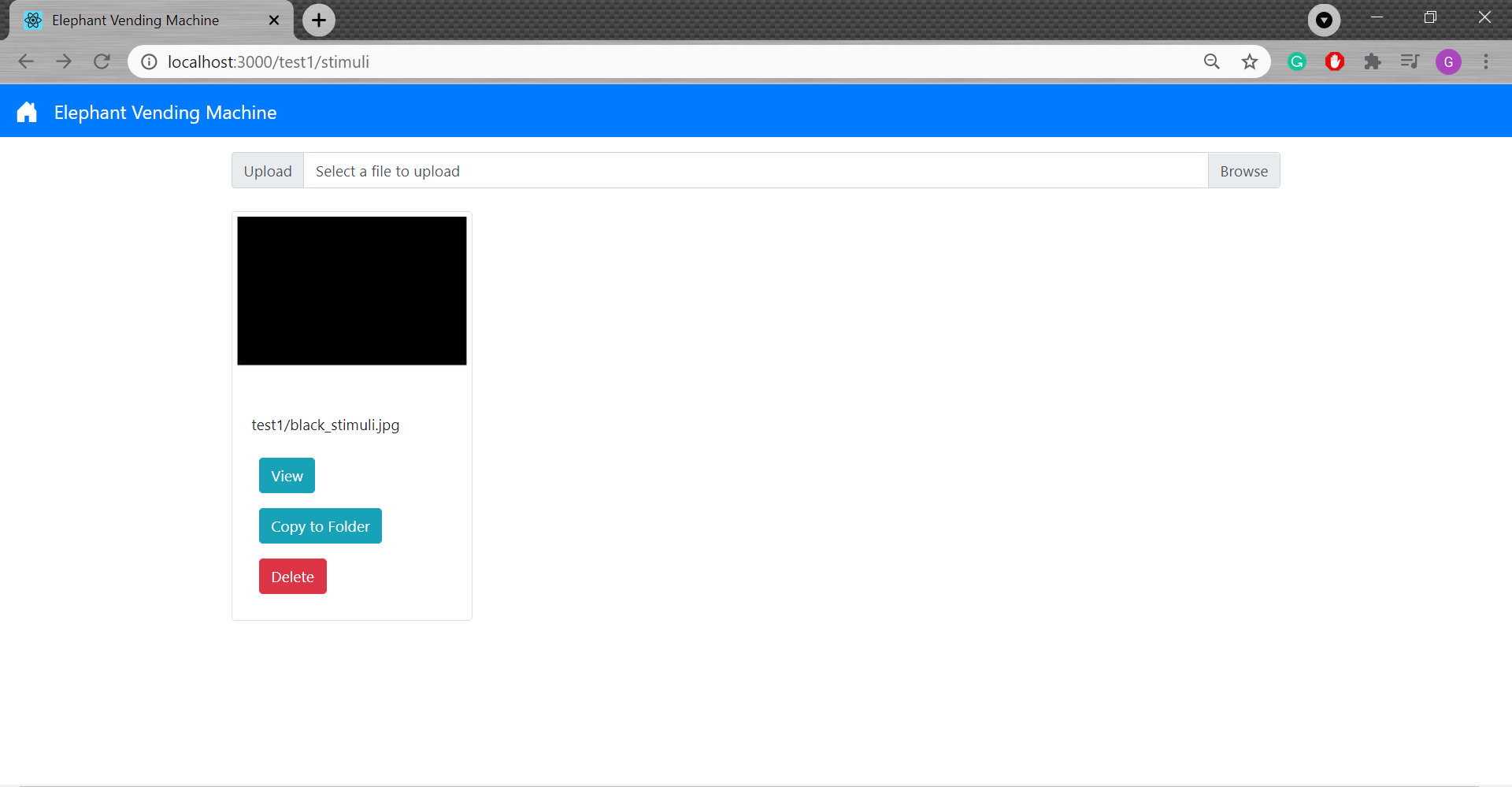
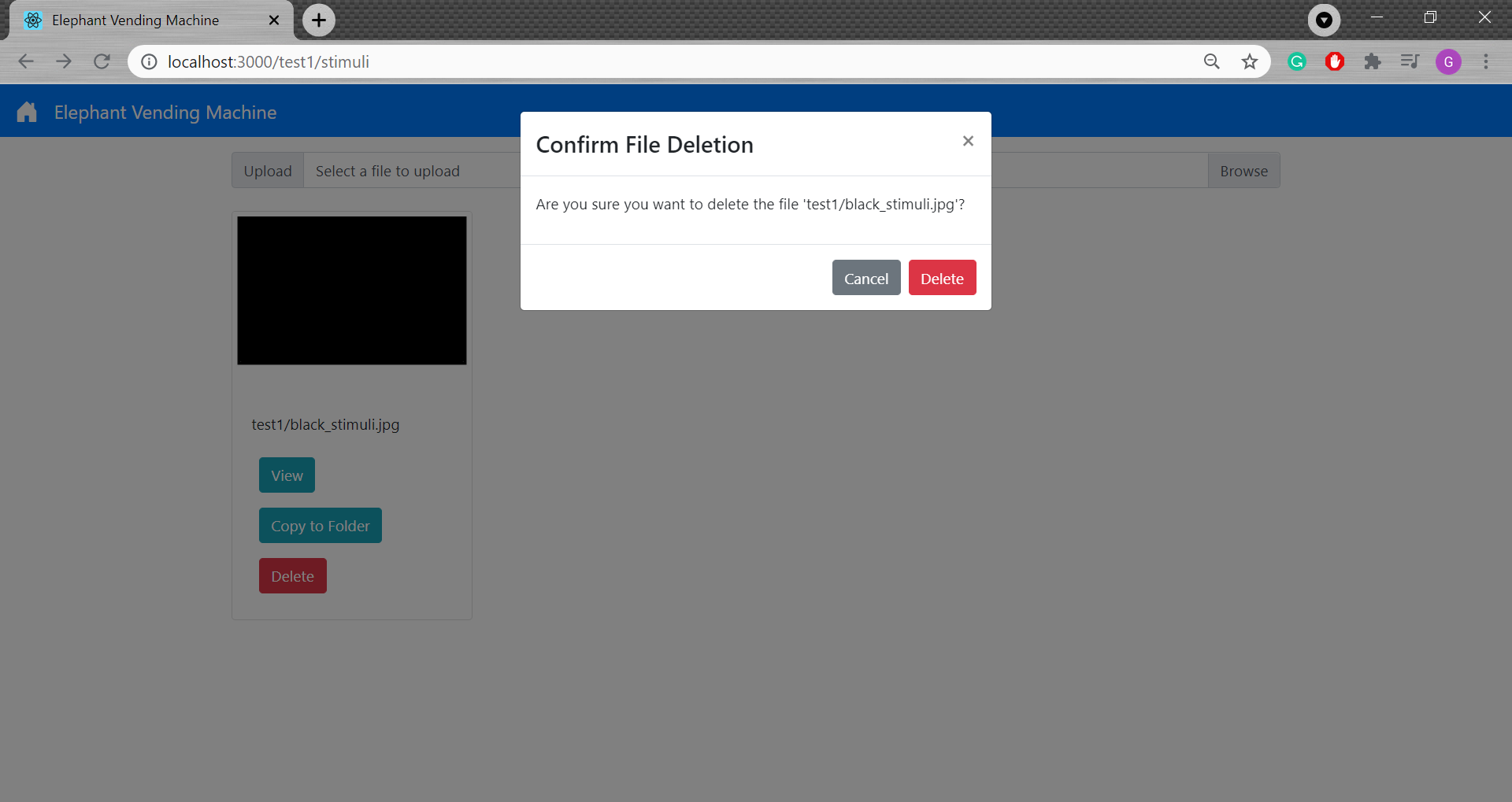
You may select to “View” a specific stimuli card. You can also select “Delete” and then confirm in the popup by selecting “Delete” again to delete a stimuli file.
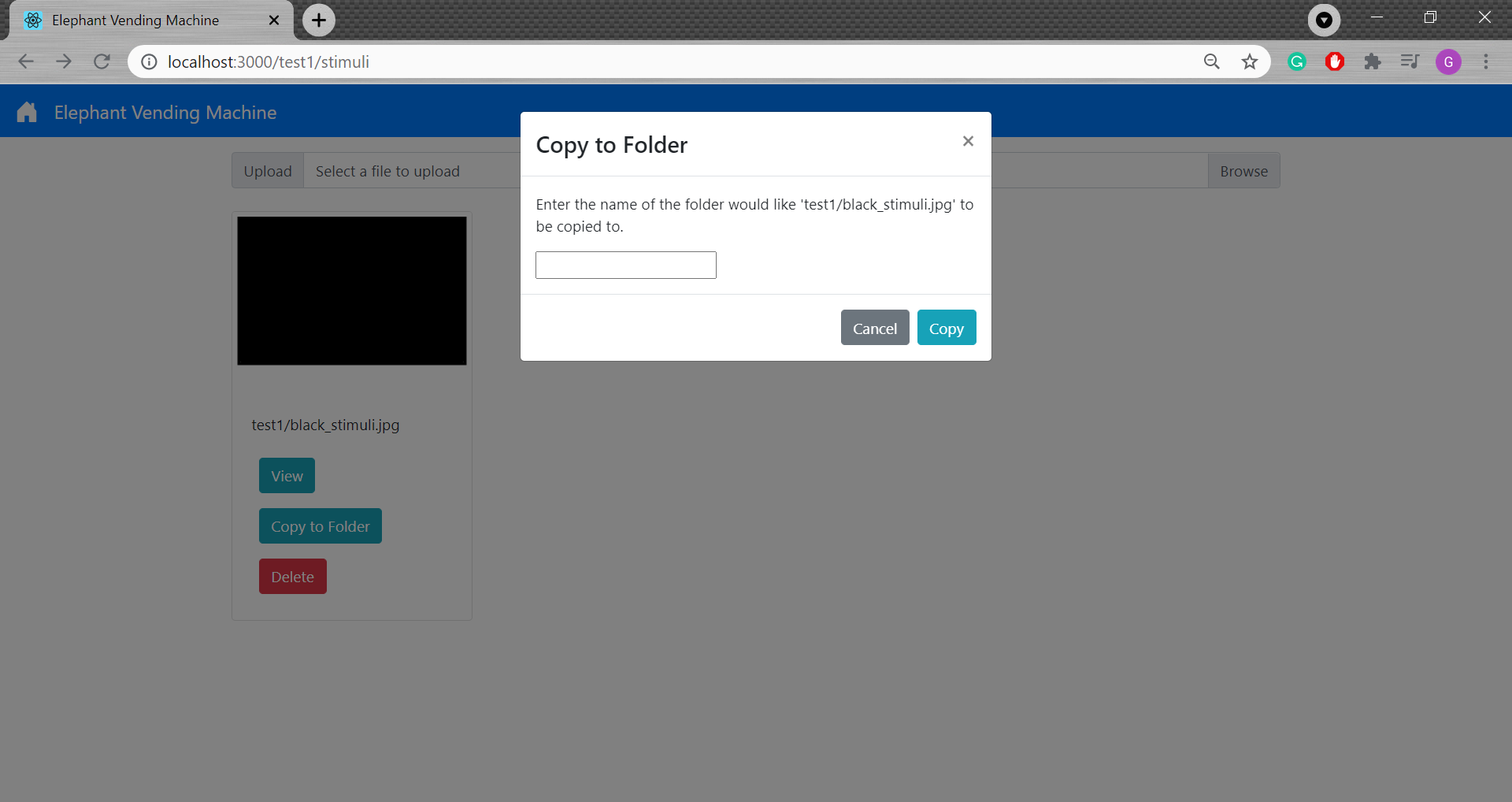
Additionally, you can “Copy to Folder” stimuli, which allows you to copy a file to another group folder.